Google Docs vs Talers

Talers vs Google Docs
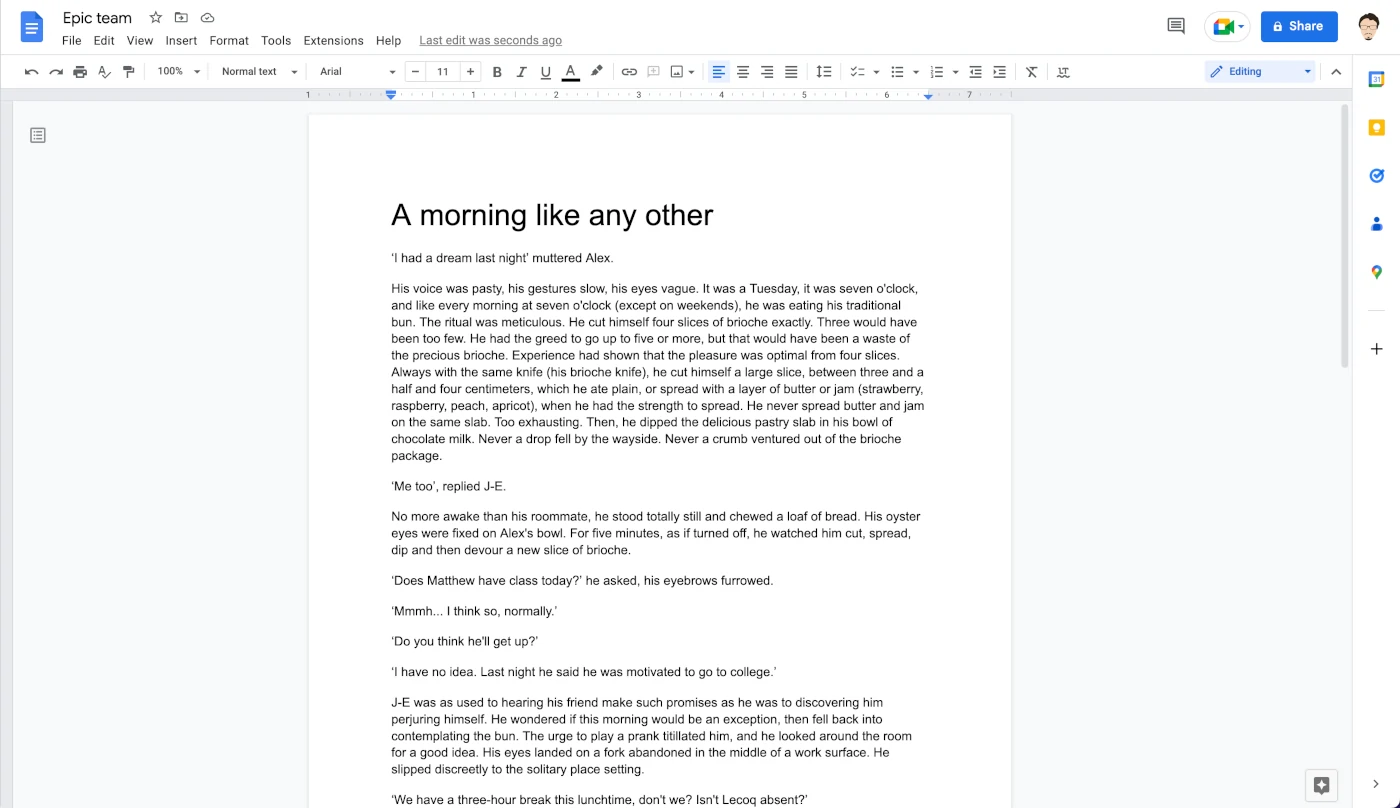
Google Docs is Google's collaborative equivalent of Word.
The application has seduced a large audience thanks to its real-time collaboration capabilities and its free availability. It is relatively free, however, because Google collects and sells the metadata of the software's users.
Even if they have many points in common and reach a similar audience, Google Docs and Talers are not really the same family of software:
Google Docs is a document editing software, meaning that in addition to writing, it allows you to manage document margins, headings, freely mix fonts within a paragraph, and other similar features that fall under editing rather than writing.
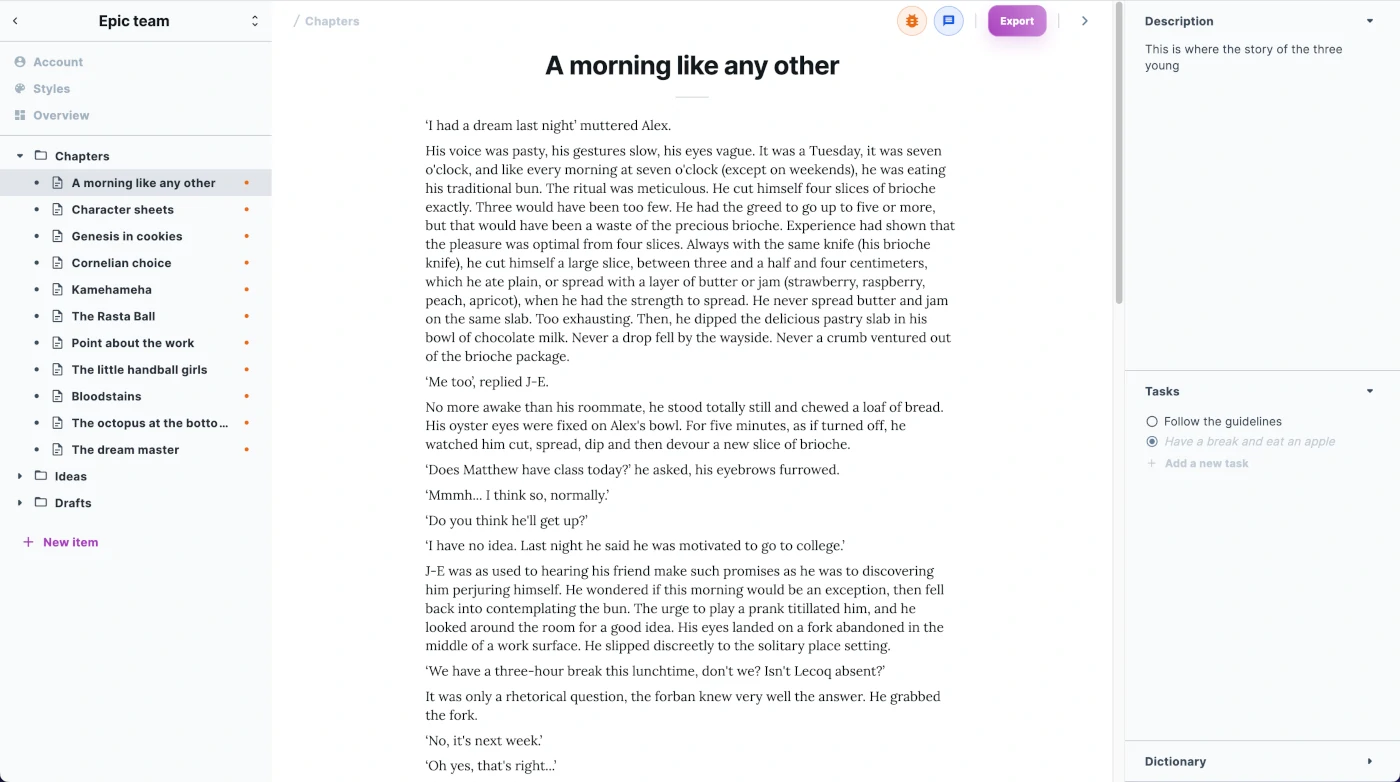
Talers is a writing program, with many tools specific to pure writing (e.g., the thesaurus), and allows editing of projects (an organized set of documents with different statuses) rather than just documents. With Talers, editing is done after writing, not during.
Although many other writing applications exist, Talers is the only one that rivals Google Docs in terms of real-time collaboration. It is possible for both applications to share a document via a simple URL.
Google Docs is particularly suited for short documents that are meant to be printed or shared.
Talers is more suitable for web articles and all writing projects that need to be structured, such as:
novels or short stories,
screenplays,
dissertations and theses,
scientific articles.
The strengths of Google Docs
The greatest strengths of Google Docs are its collaborative aspect and its free availability. If you have a Google account, you can create a new document and share it with a few clicks.
The design is largely inspired by Microsoft Word - with the Google touch - which makes it accessible to many users who are not lost.
It is not only possible to share a document publicly, but also to share it with specific people.
Finally, the program offers an advanced proofreader.
Weaknesses of Google Docs
The biggest flaw of Google Docs is its slowness. It takes more than 8 seconds to open a 51-page file on a powerful computer, while Talers opens the same file instantly.
Moreover, it only allows you to edit one document at a time. This kind of monolithic architecture - similar to Word - shows its flaws as more pages are written.
Divide and conquer.
A novel - or a thesis - is a long work. You can get lost in a novel. You can forget a comma on the seventy-third page. You can change your mind and decide to put chapter three before chapter two. That's why Talers - and almost all other writing software - offers a folder-based architecture.
Conclusion
Talers and Google Docs have in common that they both provide a native collaborative experience. Because of its speed and folder-based organization, Talers is more suitable for writing projects with a large scope.
Talers is free to use, although some features are disabled. Talers protects your privacy and will not store or resell any information about you.
Strengths of Google Docs compared to Talers:
mature software,
advanced correction even with the free version,
looks like Word, so the interface is familiar,
you just have to connect to your Google account to start using it.
Talers' strengths compared to Google Docs:
organization by folders,
much faster,
elegant design and rendering of documents,
suitable for writing web articles,
tracking and writing statistics.
Note: a number of Talers features are still under development!